
Ecommerce image workflow
AI Product Photography for Ecommerce
Create product photography, lifestyle scenes, benefit images, and channel-ready ecommerce visuals from a prompt or product reference.
Direct answer
What is AI Product Photography for Ecommerce?
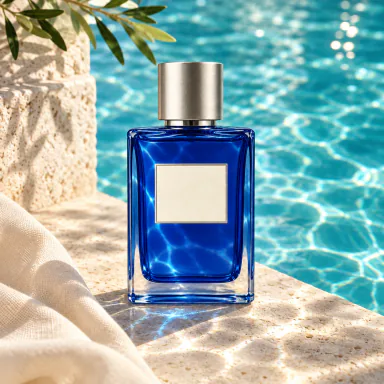
AIDesigners turns a product reference and a clear visual direction into purpose-built ecommerce images. Start with one product, choose the job the image needs to do, and keep the whole creative pass in one browser workspace.
Evidence from the product
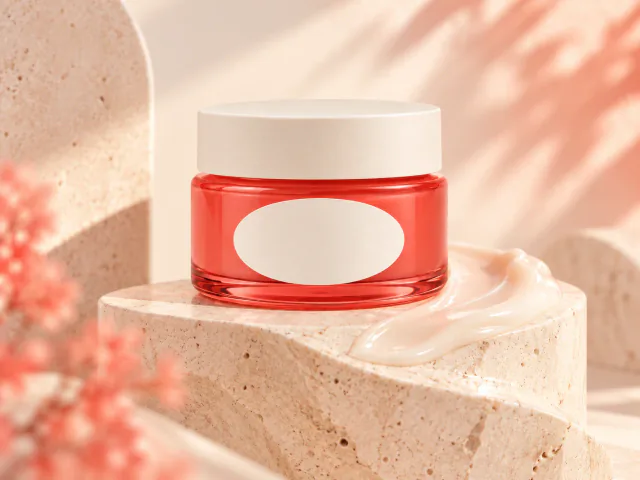
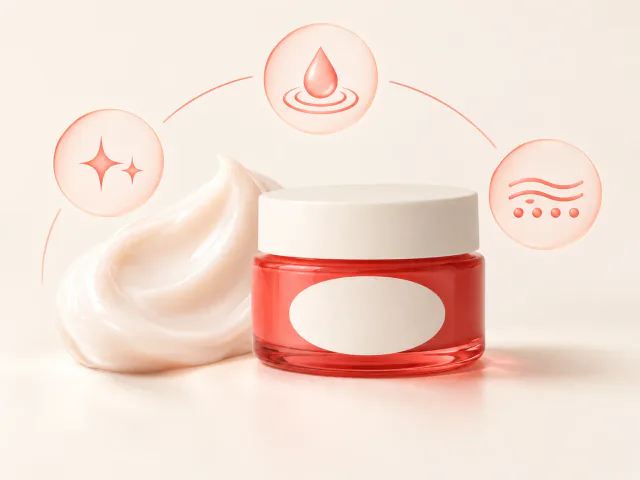
Product photography examples
Product facts
What the current workflow supports
- Inputs
- Prompt, product reference, or both
- Image models
- GPT-Image-2.5 and GPT-Image-2
- Output profiles
- 1:1, 3:4, 9:16, and 16:9
- Workflows
- A+ content, product sets, single images, marketing creative, and try-on
How it works
From brief to usable creative
- 01
Add the product
Upload the product reference that should anchor the visual identity, then describe the scene, audience, or selling point.
- 02
Choose the job
Select a product image, a product set, an A+ module, a marketing asset, or a try-on workflow instead of starting from a blank canvas.
- 03
Generate and review
Choose the size and direction, compare the result with the reference, and review labels, proportions, claims, and small product details before publishing.
Use cases
Where this workflow fits
- Shopify product pages
- Amazon listing assets
- Beauty and skincare campaigns
- Fashion and accessories creative
- Paid social and landing-page visuals
Review before publishing
Important limitations
- AI output should be reviewed for exact logos, labels, measurements, and regulated product claims.
- Marketplace image rules still need to be checked by the seller before publishing.
- A reference image improves product continuity but does not replace final quality control.
Frequently asked questions
AI Product Photography for Ecommerce FAQ
Can I create product photos from an existing product image?
Yes. Upload a product reference and add the intended scene, composition, or selling point. The reference gives the workflow a visual anchor while the prompt defines the new image.
What product photography formats can I make?
You can create single product images, coordinated product sets, A+ modules, social creatives, banners, vertical ads, and try-on images.
Will the generated image preserve my exact packaging?
The reference is used to preserve the product direction, but exact packaging, labels, logos, and measurements should always be checked before commercial use.
Is this an alternative to a traditional product photo shoot?
It is useful for concepting and producing many ecommerce directions quickly. For regulated, highly technical, or legally sensitive products, use the generated image as a draft and complete a final review.