
Image creation workspace
AI Image Generator with Product References
Create and edit images from prompts and reference images with GPT-Image-2.5 or GPT-Image-2, then move the result into ecommerce or Canvas workflows.
Direct answer
What is AI Image Generator with Product References?
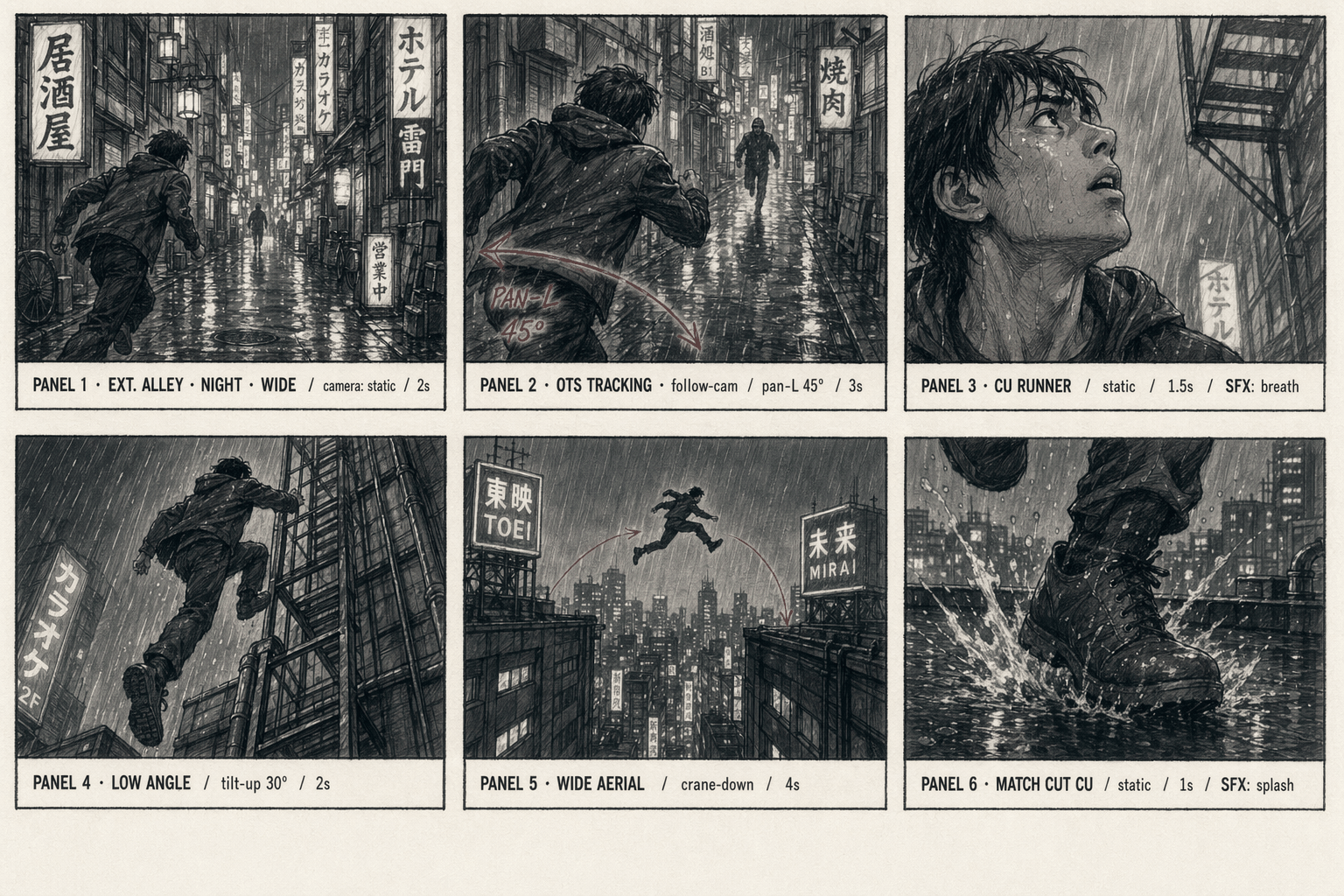
The image workspace is the general-purpose starting point for prompt-based image creation and reference-led editing. Use it for a single concept, then move into the ecommerce workflow or Canvas when the project needs structured production.
Evidence from the product
Image generation examples
Product facts
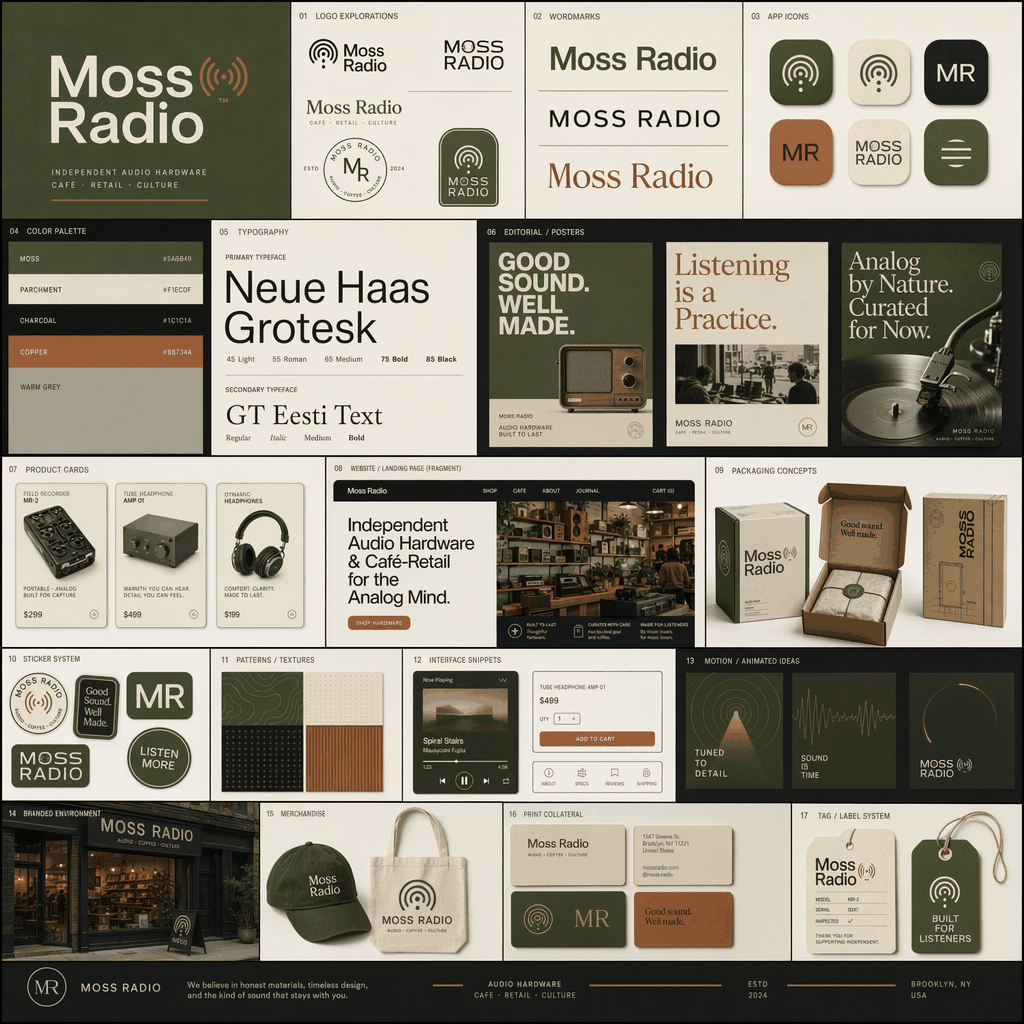
What the current workflow supports
- Image models
- GPT-Image-2.5 and GPT-Image-2
- Starting point
- Prompt, uploaded reference, or an existing gallery direction
- Next step
- Send the idea to ecommerce image workflows or Canvas
- Gallery
- Curated examples across illustration, product, fashion, posters, data, and more
How it works
From brief to usable creative
- 01
Describe the image
Write the subject, visual direction, composition, lighting, audience, and any constraints that matter to the result.
- 02
Add a reference when needed
Use a reference image when the subject, product, style, or composition needs a stronger visual anchor than text alone.
- 03
Refine or hand off
Keep iterating in the image workspace, or move the direction to ecommerce production or the node-based Canvas.
Use cases
Where this workflow fits
- Concept development
- Product image exploration
- Brand and campaign visuals
- Illustration and editorial work
- Reference-led image editing
Review before publishing
Important limitations
- Review generated text, logos, labels, faces, and product details before using the image publicly.
- A reference image guides the result but does not guarantee exact pixel-level reproduction.
- Use only reference images you have permission to upload and adapt.
Frequently asked questions
AI Image Generator with Product References FAQ
Which image models are available?
The current image workspace includes GPT-Image-2.5 and GPT-Image-2 options.
Can I upload a reference image?
Yes. The workspace supports prompt-led creation and reference-led image workflows, with product and creative projects available as follow-on paths.
Can I use a gallery prompt as a starting point?
Yes. The public gallery is designed to provide visual directions and prompt inspiration that can be adapted into a new creation.
Where do I go for ecommerce image sets?
Open the ecommerce image workflow from the image workspace, or use the ecommerce-specific pages linked from this guide.