
Video Remake Lite vs. Pro
Choose between a storyboard-led product ad and a remake that uses motion and depth preparation to follow the source more closely.
By AIDesigners ·
Choose Lite when you want to change the shot plan
Lite analyzes a reference short into shots, keyframes, and storyboard grids. Use the plan to decide where your product appears, how it is demonstrated, and what the new script says. It is a practical starting point when you want to adapt the idea and are free to change the camera angles or cuts.
Choose Pro when the movement is part of the result
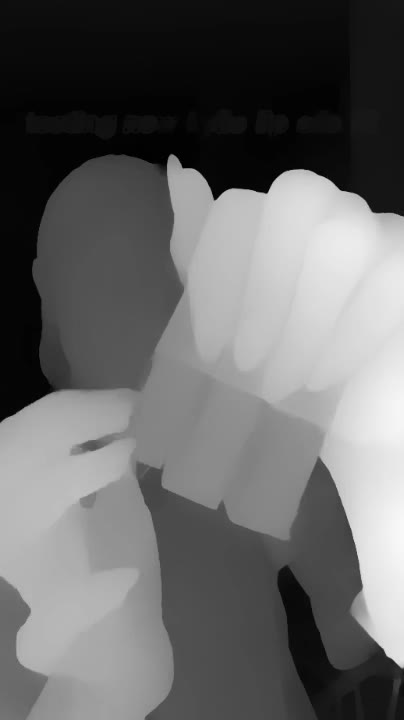
Pro adds motion and depth preparation and maps replacement product and person references to roles in the source. Use it when a gesture, camera move, or product reveal is central to the shot, then check the prepared motion before generating. Model compatibility, source duration, and available references can affect the result.
Review both workflows with the same checklist
- Use footage you have permission to adapt and product photos that show the label and shape.
- Confirm model availability, audio support, and the quoted credit cost in the workspace before generating.
- Compare screen direction, product identity, audio, and the final claims against the approved brief.